How to use the bulletin board in Anyhoa
28 Apr, 2025
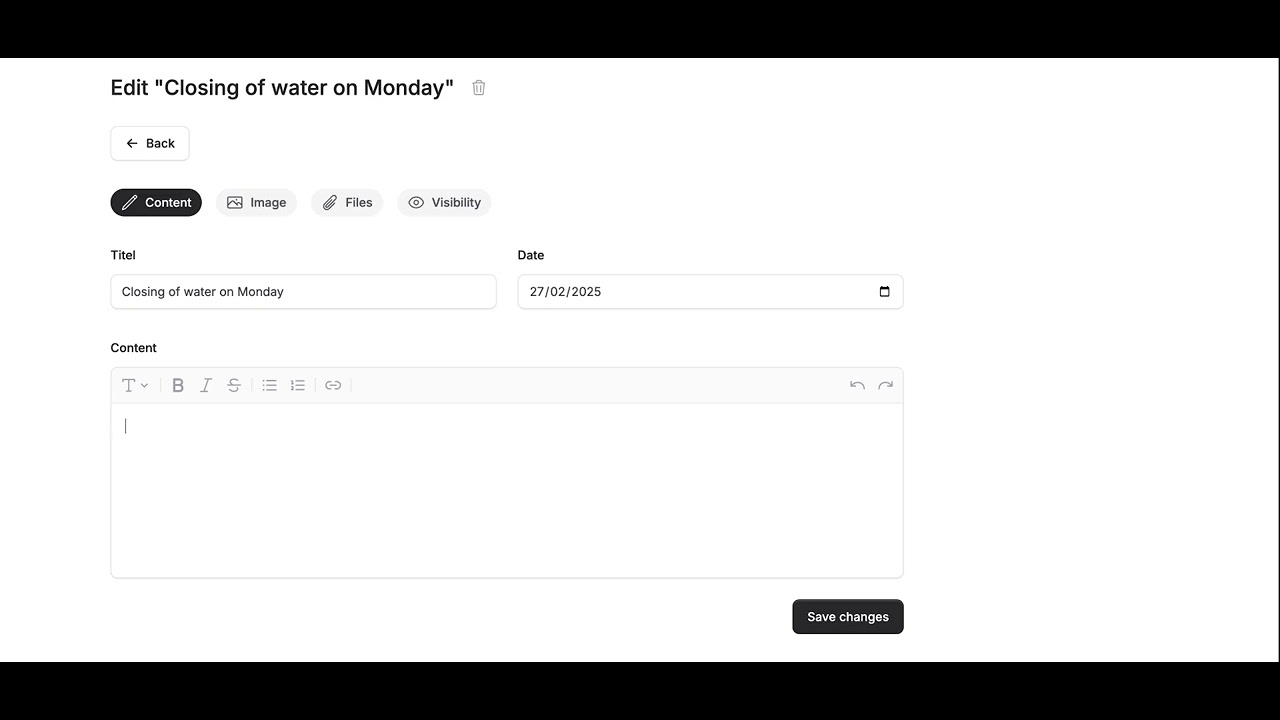
Do you need an easy way to share news, important messages, or practical information with residents? With the digital bulletin board in Anyhoa, the board can quickly communicate with the entire association—without relying on emails or social media.
In this video, I’ll show you how to create posts, choose whether they should be internal or public, and ensure everyone stays informed.
See how to use the bulletin board in Anyhoa and keep residents up to date!
// Oliver Lindebod