Keep internal information secure with a resident login
Not all content on a housing association’s website should be public. With Anyhoa, associations can protect sensitive information behind a secure login. The board decides which pages and documents should be public and which should only be visible to residents. This ensures that important information such as statutes, meeting minutes, and internal messages are only accessible to those with the right credentials.
Why use a resident login?
In many housing associations, important documents and information are only available through emails or physical files, making it difficult for residents to access relevant information when needed. A resident login ensures that all relevant content is gathered in one place—easily accessible to those who have the right to see it, while remaining protected from unauthorized access.
How the resident login works
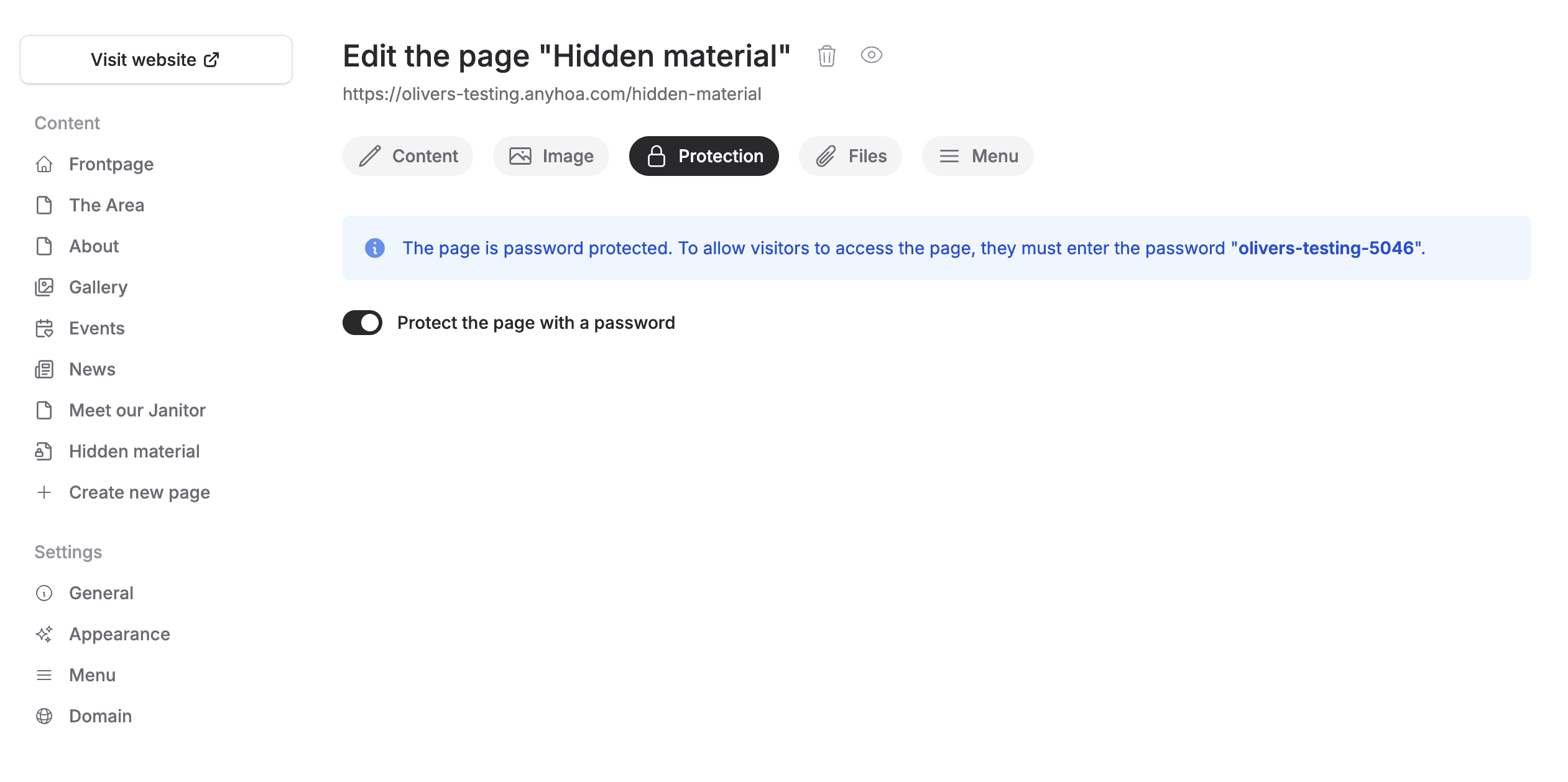
A resident login is easy to set up. Once a page has been secured, a password is generated, which can then be shared with the association.
Restrict content on the website
The board can decide which pages or documents should only be visible to residents.
Add residents to the system
The board can create resident profiles directly in Anyhoa.
Assign login credentials
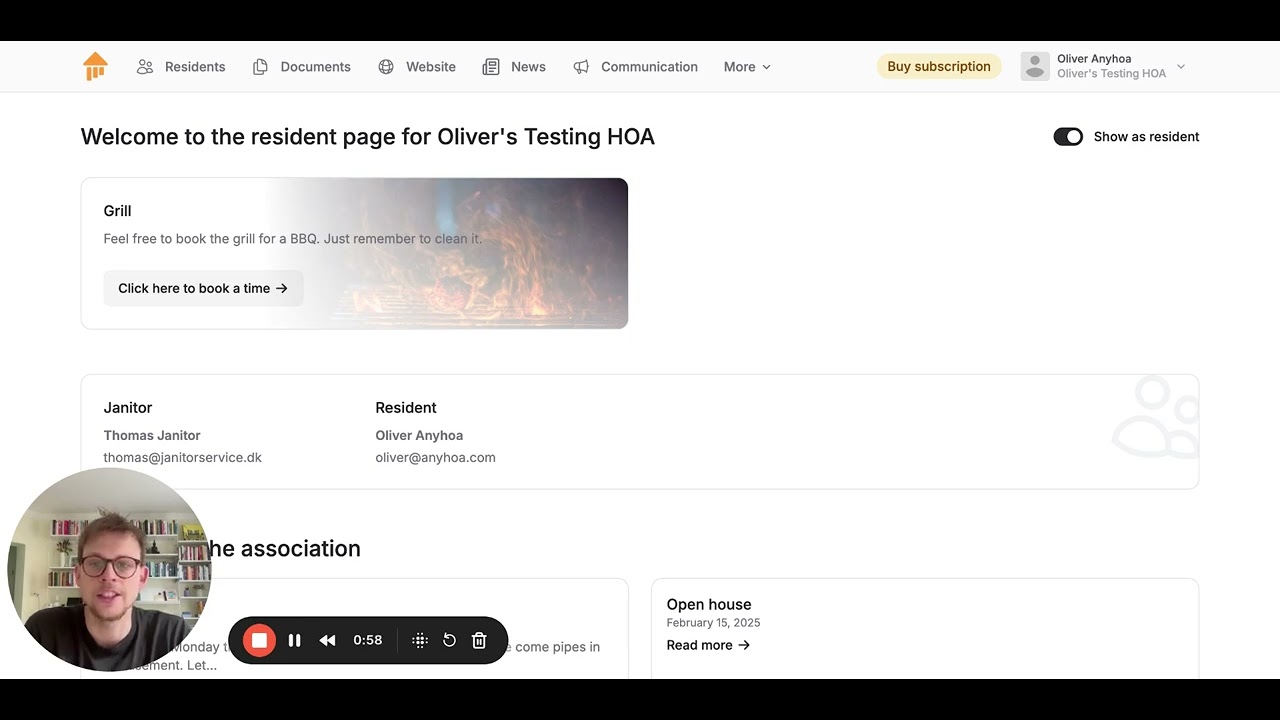
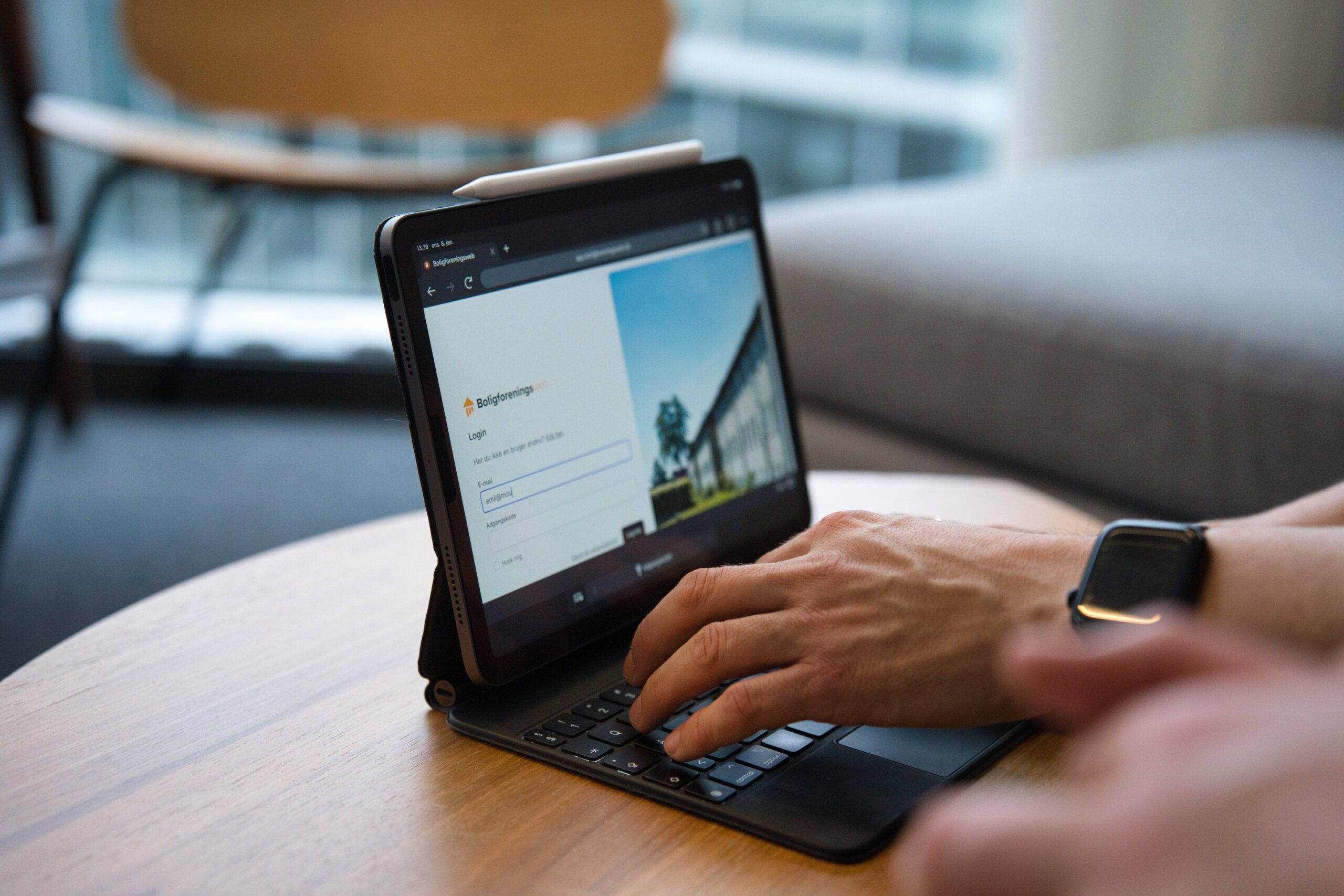
Residents gain access to the internal resident portal via a personal login.
Secure access
Only verified residents can log in and view internal information.
Automatic access management
When a resident moves out, the board can easily remove their login.
Integration with other features
The login provides access to booking, document storage, and internal communication tools.
Benefits of a secure login
With a resident login, the association can ensure that internal information is only accessible to relevant residents. This applies to both the digital document archive and the association’s website. No one has to store physical documents or search through old emails—everything is securely stored behind a protected login. This creates structure and security for both the board and the residents.
Use cases: When is a resident login useful?
- Sharing meeting minutes: The board can store and share general meeting minutes securely behind a login.
- Access to statutes: Makes it easy for residents to find association rules and guidelines.
- Internal communication: Allows residents to access important messages without making them publicly available.
- Booking shared facilities: Only logged-in users can reserve the association’s community rooms or tools.
FAQ – Frequently asked questions about resident login
Setting up login security in Anyhoa is simple. However, we have gathered answers to the most common questions about the feature.
Who can create resident logins?
The board can create and manage resident logins directly in Anyhoa. This ensures that only authorized individuals have access, keeping information secure and up to date.
Can we choose which pages require a login?
Yes, the board can freely decide which pages and documents should be restricted to residents. This allows the association to protect confidential information and manage access effectively.
Can residents change their login credentials?
Yes, residents can update their passwords whenever they wish. This gives them greater security and control over their access to the system.
What happens when a resident moves out?
The board can quickly revoke access for former residents, ensuring that only current residents can view internal information. This prevents unauthorized access and keeps data secure.
Try the resident login today
Do you want to ensure that your internal information is only available to the right residents? With Anyhoa’s resident login, your association can easily protect documents and features behind a secure access system.

Ready to get started?
Choose a package and get started right away, or reach out to co-founder Oliver Lindebod.
