HOA board software that actually helps you get things done
Being on an HOA board shouldn’t feel like a part-time job with overtime. Anyhoa gives HOA boards the tools to stay organized without the endless back-and-forth.

The real challenges of HOA board work
Most HOA boards operate like it’s still 1995. Important decisions get lost in reply-all email chains, meeting notes disappear into personal folders, and half the board forgets what they committed to doing last month.
Most board members juggle this responsibility alongside full-time jobs and family commitments. Yet somehow you’re expected to coordinate like a professional management company.
There’s a better way to handle board work without the chaos.
Tools designed for HOA board member workflows
We’re building the features we need ourselves in our current roles as board members of our HOAs.
All relevant documents in one place
No more searching in your inbox or looking for a login to Google Drive. It’s all in one place.
RE: Fwd: Ugh!
Collect all communication in one place. Share news, write urgent messages and much more.
Huge time saver
Anyhoa leverages modern technology to automate administrative tasks.
Easier booking of shared spaces
No more manually managing reservations for clubhouses, laundry rooms, or parking spaces.
Resident overview
Keep track of community by having an updated database of all residents and current status.
Make changes anywhere and anytime
The web application works on all devices and the upside of “being in the cloud” is that you can access anytime.
Stories from real board members
We can’t get enough of happy customers. Some might claim we’re obsessed but we think it is a good thing to be obsessed about.
Board members stick with us because we solve the coordination problems that actually matter.
We’re a very small association, so it’s great to have a really affordable system that helps us manage communication, information sharing, and our website. I’d be happy to recommend Anyhoa!
Louise
President
A really great tool for communicating with residents in your housing association. We’ve had to realize that email and Facebook weren’t the solution, and we found everything we need in this app. You don’t need to be trained in IT to use this solution because it’s really intuitive, and you’re guided through it.
Lasse
Chairman
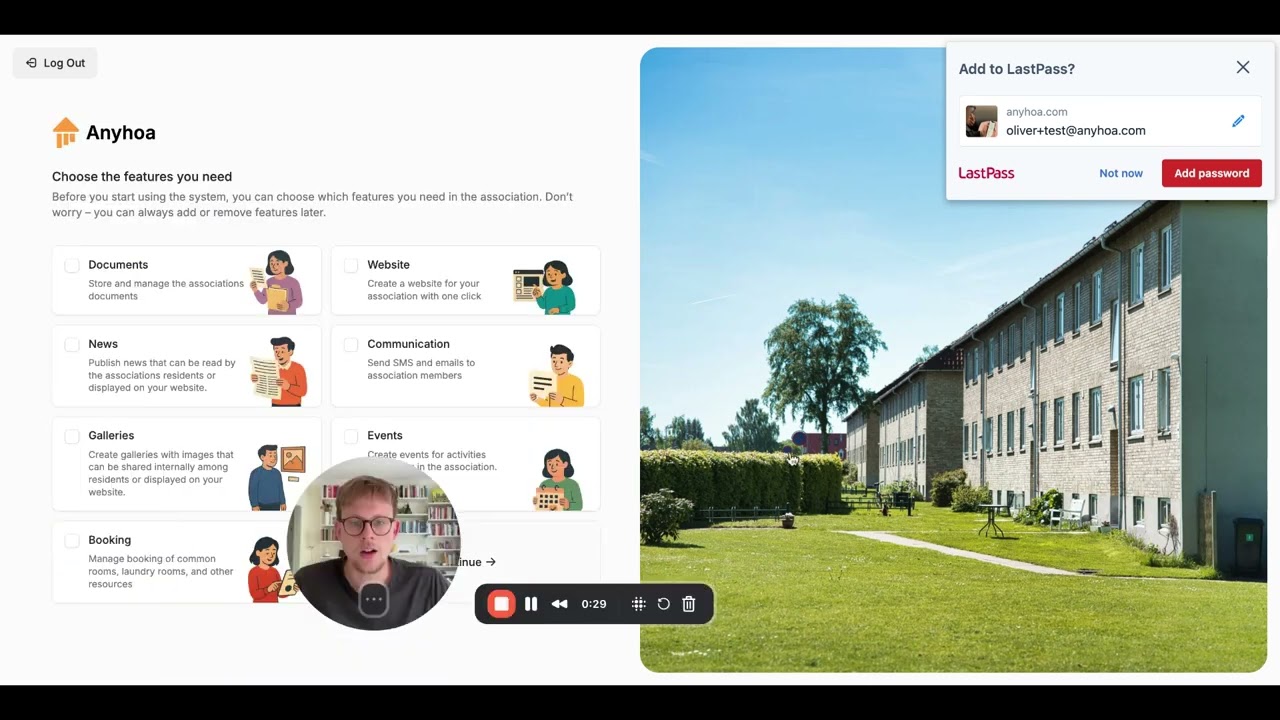
Get started in a few minutes
In the video to the left I go through the onboarding in real time. And the video is less than 2 minutes long. That’s including all my “uhms” and “but uh..” That’s how easy it is to get started with Anyhoa. Watch the video for proof!
How board members actually work together
Real HOA board collaboration happens between meetings – when you’re reviewing documents, discussing proposals, and making decisions that can’t wait for the next monthly gathering. Traditional email threads and shared Google Docs create more confusion than clarity.
Anyhoa’s HOA board software creates a dedicated space where board members can collaborate effectively without drowning in notifications or losing track of important decisions.

Between-meeting coordination made simple
Most board work happens outside formal meetings. You need to review vendor proposals, discuss budget items, and make time-sensitive decisions without scheduling another meeting or starting another email chain.
What your board can do:
- Review documents together – Centralize vendor bids, contracts, and reports so all board members can weigh in from one place.
- Make decisions efficiently – Discuss options, record votes, and log the reasoning behind important choices.
- Track follow-up actions – Assign tasks with clear deadlines and monitor progress without micromanaging.
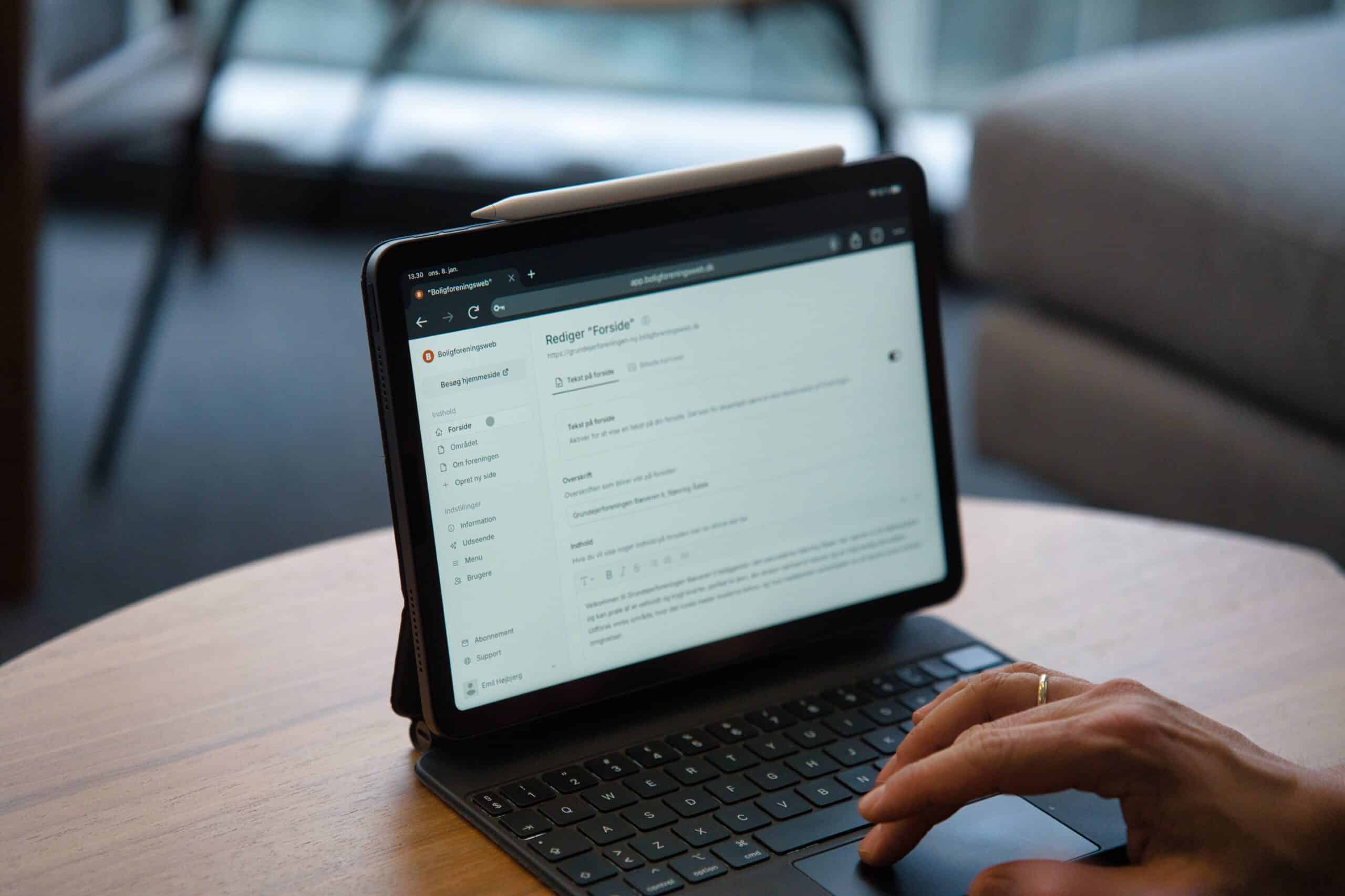
Document storage that actually works
Every HOA board accumulates critical documents: insurance policies, vendor contracts, legal correspondence, and financial records. These often end up scattered across personal computers, email attachments, and that one board member’s filing system.
All your board documents – stored securely in one place
Set permissions so sensitive information stays with the board while general documents can be shared with residents when appropriate.
Board meetings, without the Sunday night scramble
Preparing for board meetings shouldn’t consume your entire Sunday. Centralize agendas, background materials, and collect input from other board members before you meet.
Before and after meetings
Better preparation – Meetings become more focused and decisions get made faster when everyone comes prepared.
Clear follow-up – Log decisions as they happen, assign action items, and ensure nothing falls through the cracks until next month.

Who benefits from HOA board software?
Whether you’re a new board member or an experienced leader, Anyhoa adapts to how your board actually works.
Board presidents
Keep meetings focused and track progress on community initiatives
Treasurers
Share financial reports and coordinate budget approvals securely
Secretaries
Distribute meeting materials and maintain organized records
Legal liaisons
Handle sensitive documents and compliance requirement
Not so sure yet?
All decisions take time. And changing something fundamental in your HOA can seem dreadful. I get that. If you’re curious to hear more or want to get more information from me (Oliver in the middle) or any on the team you should not hesitate to reach out. We’re real humans and we want to assist in any way we can.

Common questions about out HOA board member software
Before signing up for Anyhoa, we often get questions about how the system works, how to sign up, and so on. We’re happy to answer all questions!
Can I create an HOA account before discussing it with the board?
Yes! You are not obligated to anything by creating a test account. You can explore the platform and present it to the HOA board before making a decision.
Can we use Anyhoa if we have a HOA manager connected??
Absolutely! Anyhoa works for both self-managed HOAs and those with management companies. The platform complements professional management services by keeping all community information centralized and accessible.
Is Anyhoa difficult to use?
No, the system is designed to be intuitive and user-friendly.
How much does Anyhoa cost?
Setting up an HOA account is free. However, full access to all features requires a paid subscription.
Can residents see board discussions?
No. Board workspaces are completely private unless you specifically share something.
What about sensitive documents?
Full permission control means confidential information stays with authorized board members only.
How do we get other board members on board?
Most boards see immediate value in having organized documents and clear action item tracking.
Ready to get started?
Choose a package and get started right away, or reach out to co-founder Oliver Lindebod.
