Get full flexibility with custom fields for your association
Custom fields give you full control over which details appear in the resident overview. You choose what matters—and where it’s shown.
This function is free and included in all our plans.
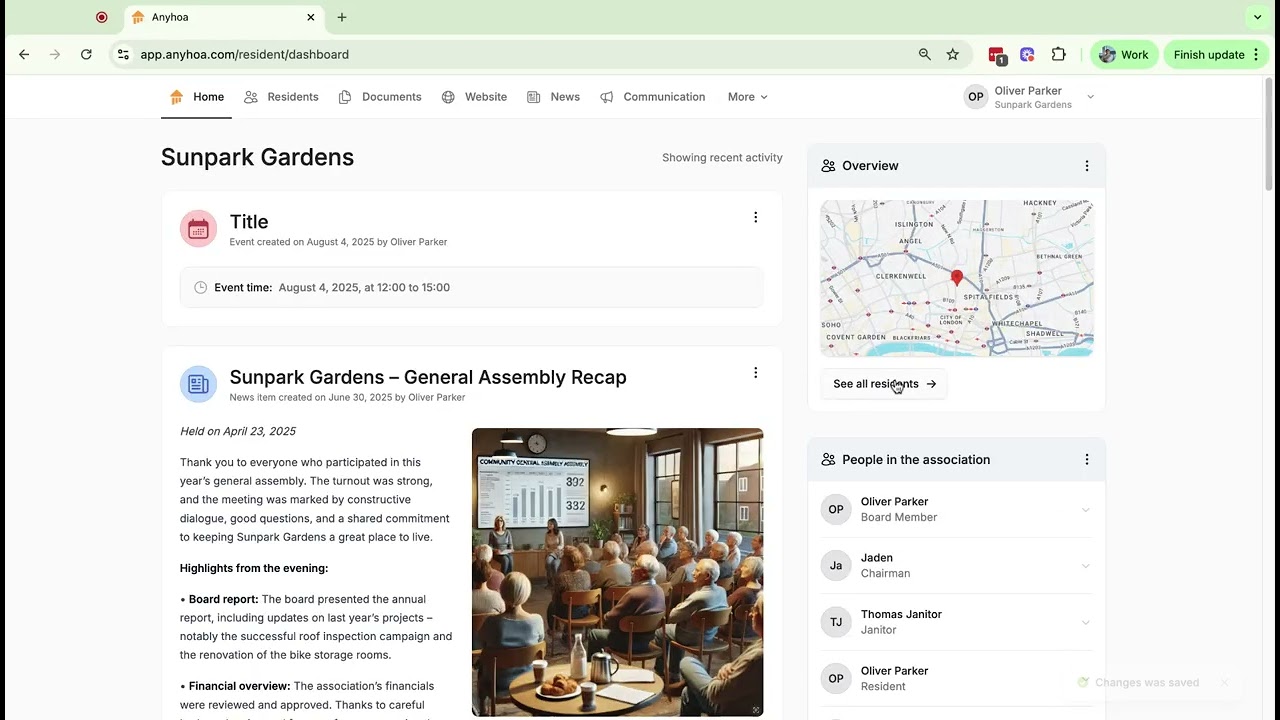
What you get with “Custom fields”
Not all associations are alike – far from it. We embrace that. That’s why you get unique options to tailor your setup with “Custom fields.”
Unique fields
Fields that match your reality (e.g., garden plot number, birthday, parking space, key fob).
Display
Choose display: in the overview, on the resident card – or both.
Rrrrrnnnn
Fast setup: create, name, save – in minutes.
One truth
One source of truth: less Excel, fewer errors, better overview.
Find what you need
Easy to search, filter and sort for quick answers.
Privacy
Privacy in practice: share only what’s relevant for roles/the board.

How does “Custom fields” work?
With “Custom fields,” the board can add exactly the details your association needs in the resident overview. Create fields such as garden plot number or birthday, choose the field type, and decide whether it appears in the overview or only on the resident card. Fields can be adjusted and renamed to match your language and practice. The result is a consolidated dataset without spreadsheets – easy to search, sort, filter and maintain, even when the board changes. It saves time, reduces errors and makes it clear what should be recorded.
Use “Custom fields” for…
The goal is simple: make data useful in everyday work. When special details live in the same place as residents, administration becomes faster and more precise.
🪴 Garden associations
Show the garden plot number directly in the overview so the board quickly finds the right plot during maintenance, meter readings or complaints. The field can also appear on the resident card.
Why it works
Custom fields make resident data useful day to day. Centralizing special details avoids duplicate work and loose lists. The board gains overview, residents are recorded correctly, and data carries safely through board changes. Fewer errors, less friction – better operations for the entire association, always.
- Ready for operations: quick setup, clear fields.
- Scalable: add and change fields as needs evolve.
- Continuity: knowledge survives board transitions.
Hear what other communities have experienced with Anyhoa
Others have chosen Anyhoa. Here are some of the reasons 👇
A really great tool for communicating with residents in your housing association. We’ve had to realize that email and Facebook weren’t the solution, and we found everything we need in this app. You don’t need to be trained in IT to use this solution because it’s really intuitive, and you’re guided through it.
Lasse
President
The website becomes incredibly easy to create, with many additional feature options. Definitely recommend if you’re starting from scratch with your website and IT.
Patrick
Board member
Get started now
Try ‘Custom fields’ in Anyhoa and feel the difference right away. In minutes, you can add your own details to the resident overview and create an overview that fits your operations precisely. Ditch spreadsheets – get structured data that follows the association safely. Create your free account and get started today.

FAQ – Frequently asked questions about “Custom fields"
We’ve collected typical questions about “Custom fields.” Still curious? Reach out to us.
Can we name the fields ourselves?
Yes. You decide the field names and can adapt them to your language/practice. Save your changes - and they go live in the overview.
Can a field appear in the overview without being on the resident card?
Yes. Choose per field: overview, resident card - or both.
How quickly can we get started?
Typically in minutes: create a field → choose display → save. No technical setup needed.
What about data security?
Data is stored securely in the EU, and access is governed by roles/permissions - only relevant people see the fields.
Ready to get started?
Choose a package and get started right away, or reach out to co-founder Oliver Lindebod.
